
Microphone button
A physical button cuts the microphone, and the red ring shows the device is not listening.



We moved the Keilon voice assistant out of the browser and into a device on a stand. It hears you across the room, shows what it is doing with light and wakes you up in the morning even without internet. Eight weeks passed from the spec to the investor prototype.

To talk to Keilon you had to find a laptop, open the site, allow the microphone and press a button. Investors needed an object that stands at home and answers right away.
The task was a working prototype for the investor meeting: the device listens, answers and works together with the Keilon web dashboard.
A wake word, interrupting mid-sentence and answers in English, German and Russian.
The light shows whether the device is listening, thinking, answering or waiting for the network.
Alarms, reminders and short answers keep working when the network is gone.
Name, language, voice and planner are set in the Keilon web dashboard and reach the device right away.
The ring in the stand shows the state: starting up, listening, speaking, no Wi-Fi or microphone off.
The device hears you even while it speaks and stops as soon as you cut in. It filters out its own echo.
The device opens its own Wi-Fi network. You join it from your phone, pick the home network and enter the password on the page that opens.
Alarms, reminders and short answers are handled inside the device. Without a network it keeps listening and wakes you on time.
Name, language and voice change in the Keilon web dashboard and reach the device right away. Planner entries show up in both places.
New firmware downloads by itself and installs only after a signature check. If a version fails to start, the device rolls back to the previous one.
The device ships with a booklet in German and Russian: power on, Wi-Fi, account pairing, phrases to try and what the light means. Below is a simplified version.
The box holds the device on its stand and a short guide. Plug in the power and finish setup from your phone.
The dashboard holds the assistant's name, language and role, the connected Google Calendar and WhatsApp, and upcoming items. The device takes its settings from here and speaks the tasks, meetings and reminders from the planner itself.
The console shows whether the device is online, which firmware it runs and when it last checked in. Requests, the event log and the device’s self-check let support find a problem remotely, without taking the device back from the client.
The device stands on a desk. While the person speaks the ring glows blue, while it answers the ring turns pink.
The device sits in a room and hears everything around it, so we limited when it listens and where the data goes.
A physical button cuts the microphone, and the red ring shows the device is not listening.
The wake word is recognised on the device itself, and no audio is sent anywhere before it.
The device installs only firmware with a verified signature and rolls back if a new version fails to start.
The owner unlinks the device in the dashboard and it loses access to the account at once.
What the client got for the investor meeting and after it.
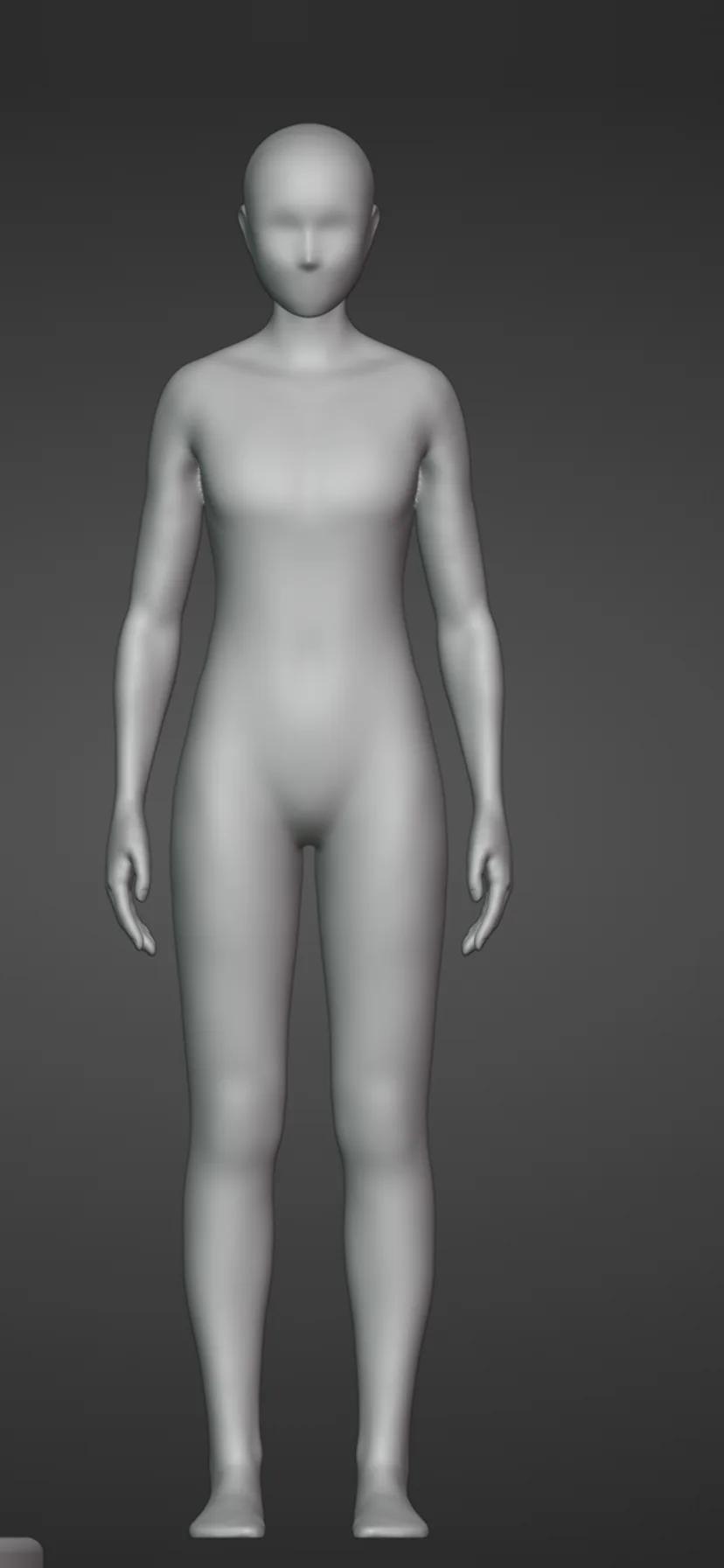
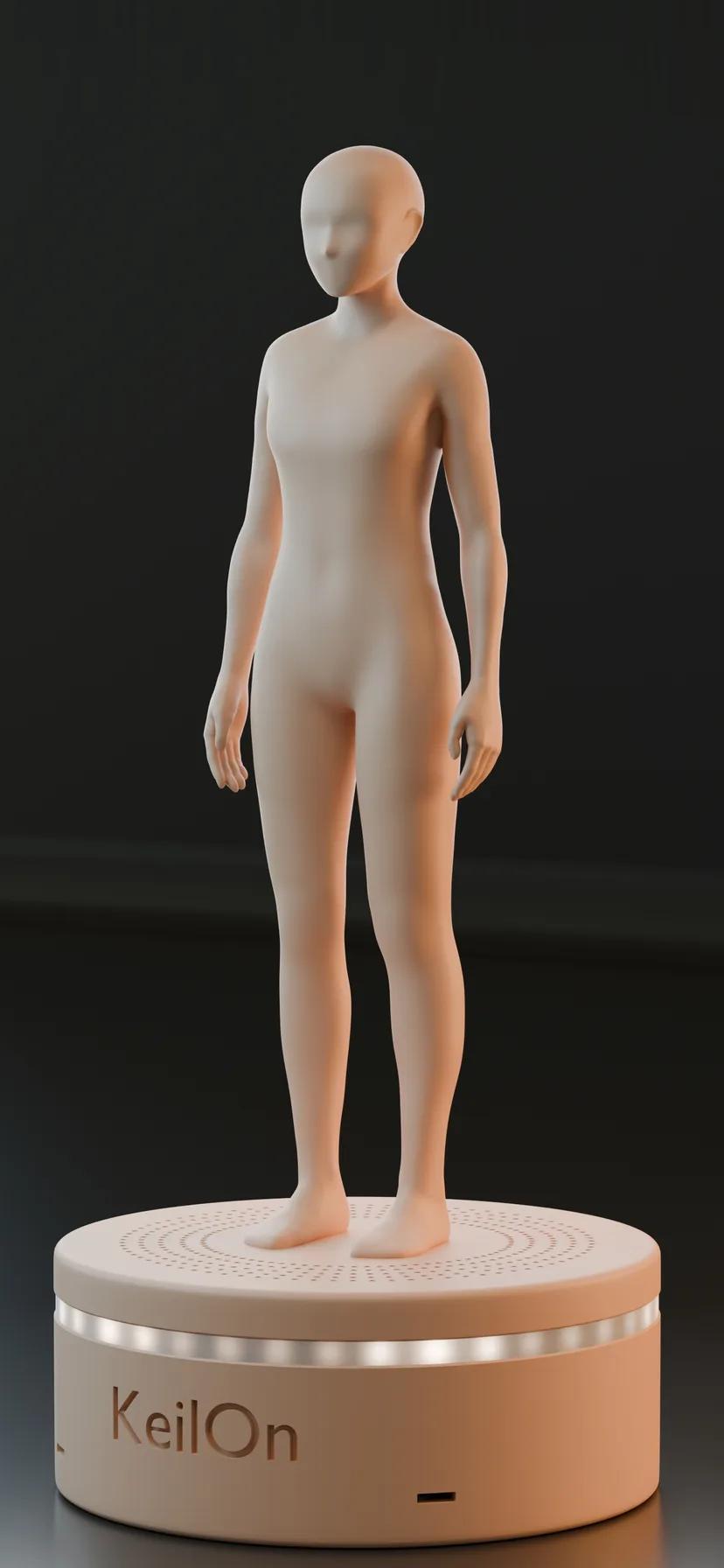
Together with the client we described what the device must do, how it should look and what to show investors by the end of September.
We designed the figure and a stand with a speaker, light ring and buttons, and prepared the parts for printing.
We printed the parts, assembled the body and checked how speakers, microphones and wires fit.
The stand got a power port, power and microphone buttons and a diffuser for the light ring.
We wrote the firmware: wake word, interruptible conversation, a colour for each state and offline mode.
The device pairs with a Keilon account and gets its name, language, voice and planner entries from the dashboard.
We built Prototype 001 and ran the firmware through 656 autotests and live conversations at home and at the office.
We packed the device with a short guide and handed it over in time for the investor meeting.

Device firmware: voice, light, buttons and the link to the server.

Keilon server: device pairing, roles and a real-time channel.

A copy of alarms and reminders on the device so they ring offline.


Accounts, devices and settings in the Keilon cloud.
Web dashboard: pairing, name, language, voice and planner.
Building and shipping the server and firmware releases.

A live voice conversation: calendar, WhatsApp, reminders and a memory of the person in one assistant.

Personal QR, POS integration and AI personalization: points and gifts instead of discounts. Retention and average order value went up.

Let’s talk about your device: from the look and body to firmware and AI inside.