Invitation-only access
There is no open sign-up. Administrators grant access, assign roles and block users by email or IP.



People talk to Keilon the way they talk to a person: it remembers who they are, moves meetings, reads and sends WhatsApp messages, and switches between the roles of friend, mentor and consultant.
SettingsLog out
There was an idea for a voice AI assistant and investor meetings ahead. Investors needed to hear a live conversation with the assistant.
The goal was a voice assistant for a closed beta and investor demos: with live dialogue, memory and access to the calendar and messages.
Voice answers with almost no pause, interruption mid-sentence, English, German and Russian.
Calendar, WhatsApp, reminders and tasks handled in one sentence, without opening apps.
The assistant remembers work, family and key events and forgets them only when the owner asks.
Closed access for investors and testers, and a core that Keilon's own device is being built on.
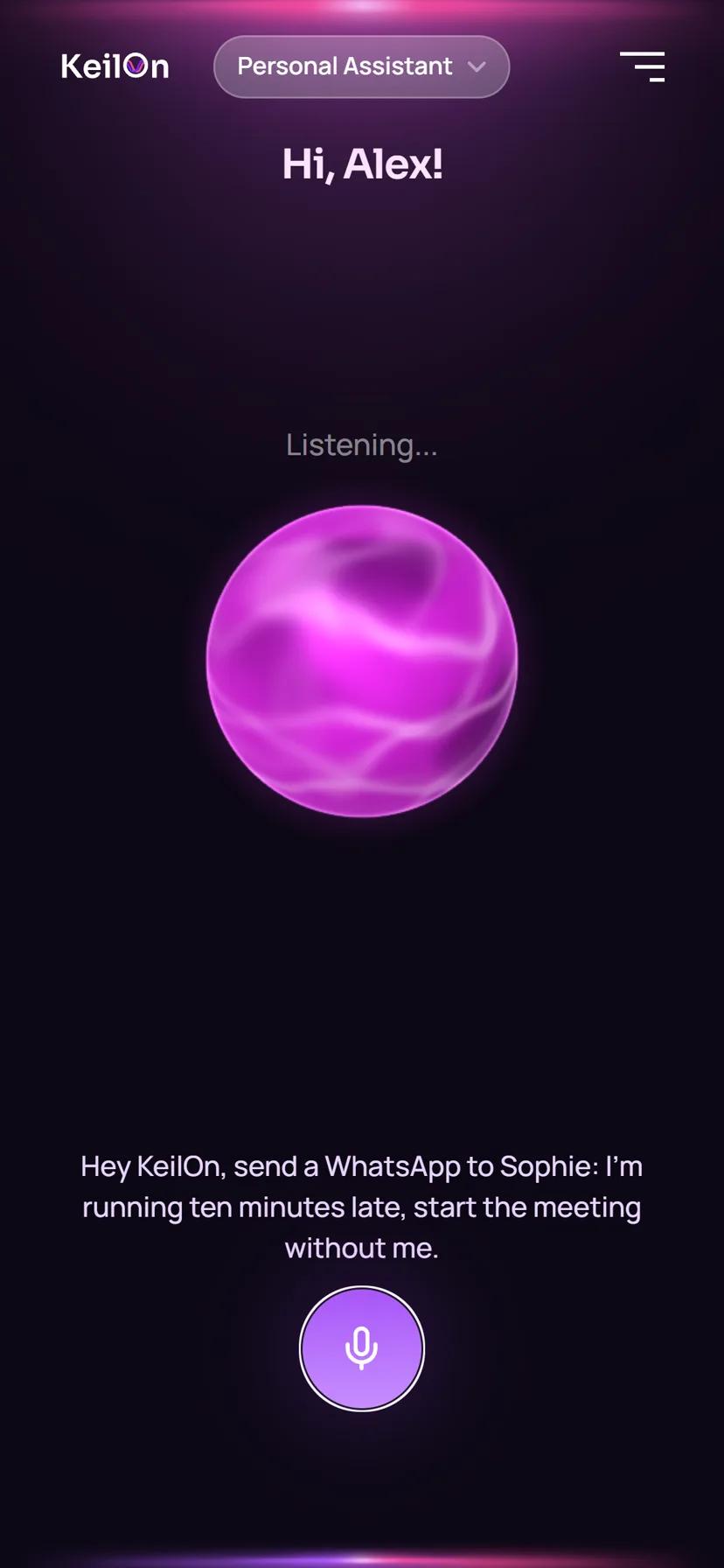
The sphere shows whether the assistant is listening, thinking or speaking. You can cut in mid-sentence, and the answer comes with almost no pause in English, German or Russian.
 Google Calendar
Google or Apple Calendar, your choice: the assistant talks you through your plans and creates, moves and deletes meetings in one sentence.

 MiaReply by voice
The account connects with a QR code in the dashboard. The assistant reads new messages aloud and sends replies you dictate.
 Alex
Work, family, plans and habits are kept for long, small details for a limited time. Memory can be wiped only after the secret word.
Friend, mentor, consultant and more: each role has its own prompt, its own knowledge base from PDF, Word and websites, and its own web search setting.
Onboarding with name, voice, language and conversation style, connecting integrations, and a planner for the day, week and month.
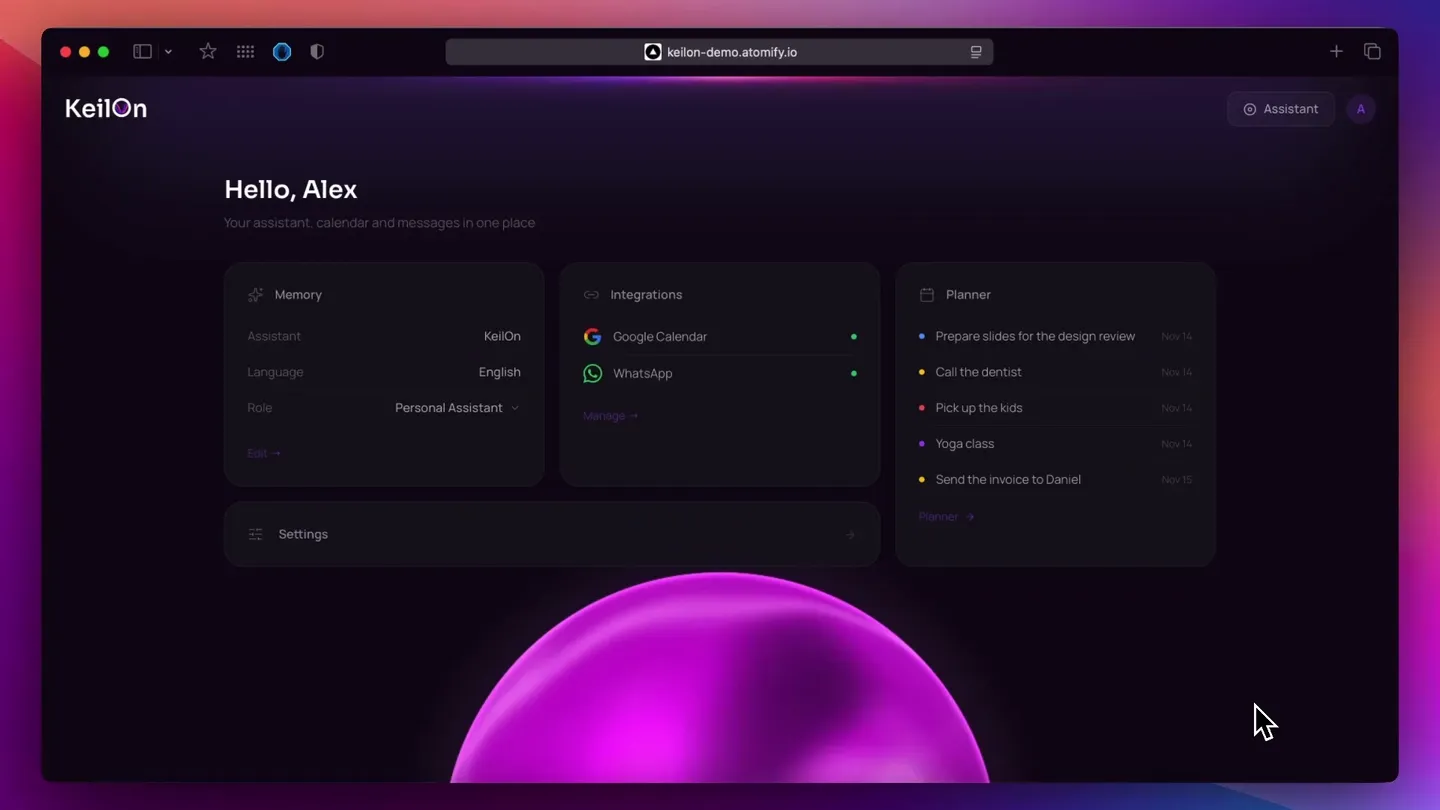
The dashboard shows the assistant's name, language and role, the connected Google Calendar and WhatsApp, and upcoming items. The planner lists tasks, meetings and reminders by day, week or month.
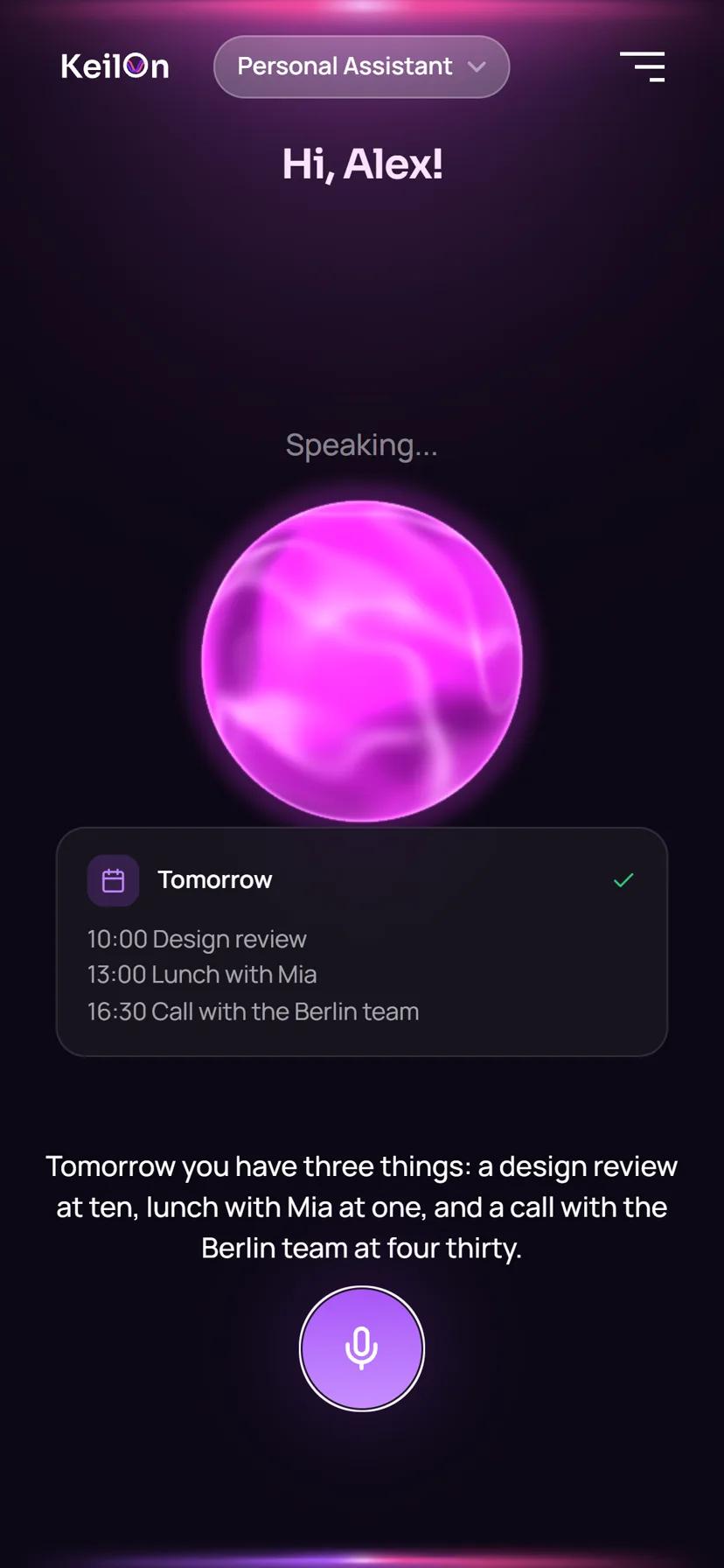
Asked about tomorrow, the assistant lists three meetings. The request to move the call with the Berlin team to Friday is done right away, Google Calendar is updated, and the cards on the right show the result.
The assistant looks up the weekend forecast for Munich and suggests Saturday: dry and around eighteen degrees. With the next sentence it sets a reminder to go for a run on Saturday at nine.
On request the assistant switches to the language coach role, practises German for the trip using a café order and adds tips on local words.
The assistant knows a lot about a person, so the platform is closed: an administrator grants access, history is encrypted, and memory is wiped on request.
There is no open sign-up. Administrators grant access, assign roles and block users by email or IP.
Conversation history is stored encrypted and the connection is secured.
Wiping memory and other sensitive actions require a secret word. Only its hash is stored.
Users can wipe their memory and conversation history. The platform is prepared for GDPR requirements.
Figures are being finalised.
The core keeps the conversation context, and a streaming connection carries the voice between browser and model with no waiting.
Speech turns into text and back with minimal delay. The assistant can be interrupted mid-sentence.
The sphere shows whether the assistant is listening, thinking or speaking. On first login the person picks the assistant’s name, language and voice.
The assistant keeps the context of the current conversation and remembers what matters about the person for a long time. Memory can be erased on request.
Each role has its own style and knowledge. The role switches with one phrase or in the account header.
Google and Apple Calendar, WhatsApp via a QR code in the account: meetings and messages by voice.
There is no open sign-up: the administrator grants access, and users can be blocked by email and IP.
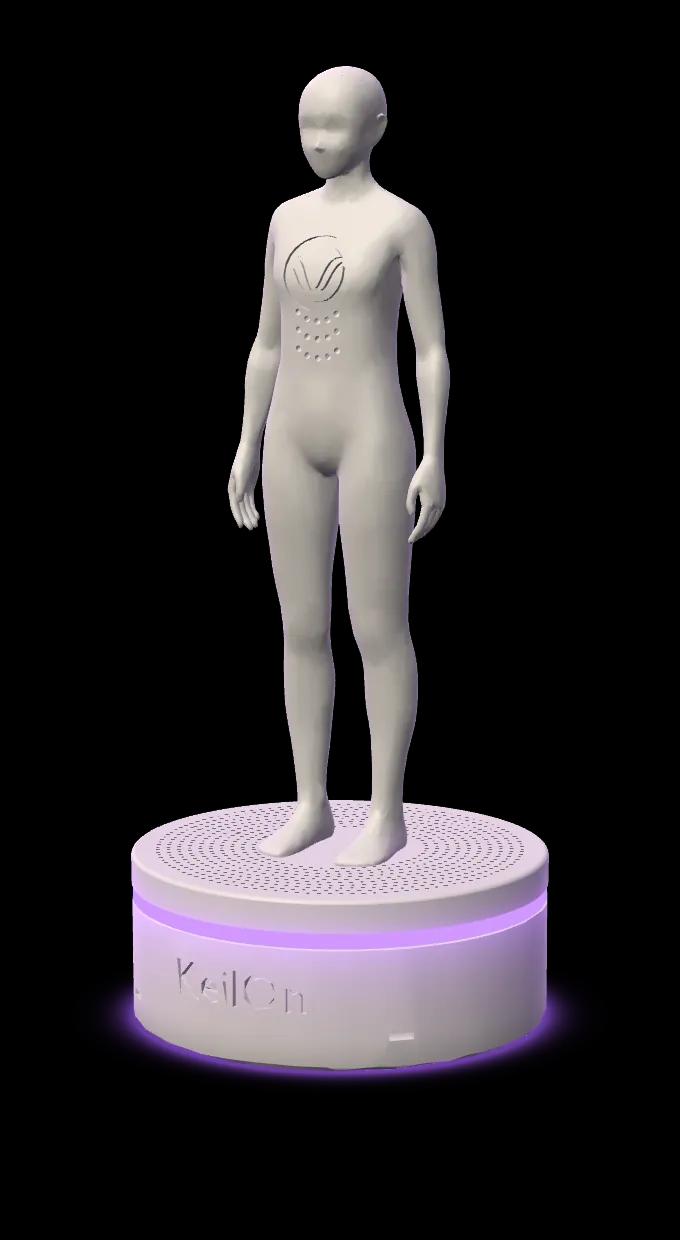
We moved the assistant core into a desktop device. The same voice, memory and roles now run on a stand in the user’s home.

A real-time voice model: it hears speech and answers by voice right away.
Reading and sending messages by voice, connected with a QR code.

Meetings and events in one sentence: create, move, delete.

The same calendar flow for Apple users.

The server side: voice sessions, roles, memory and integrations.

Users, roles, the planner and long-term memory.

A desktop device with voice, light ring and offline mode: from the 3D model to firmware and over-the-air updates.

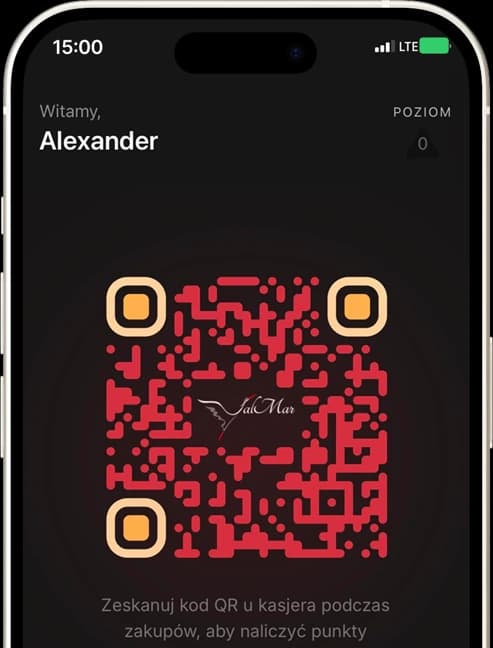
Personal QR, POS integration and AI personalization: points and gifts instead of discounts. Retention and average order value went up.

Let's discuss your task and show how a voice assistant can take over calendar, messages and errands.